Free Games Tracker
A downloadable tool for Windows and Android
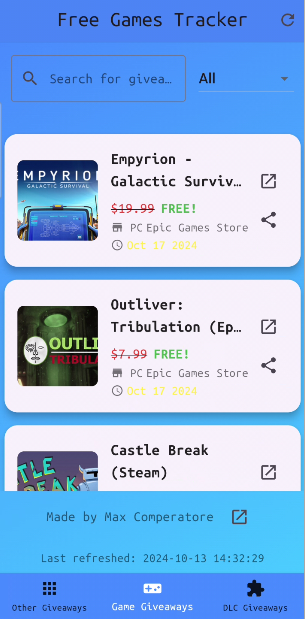
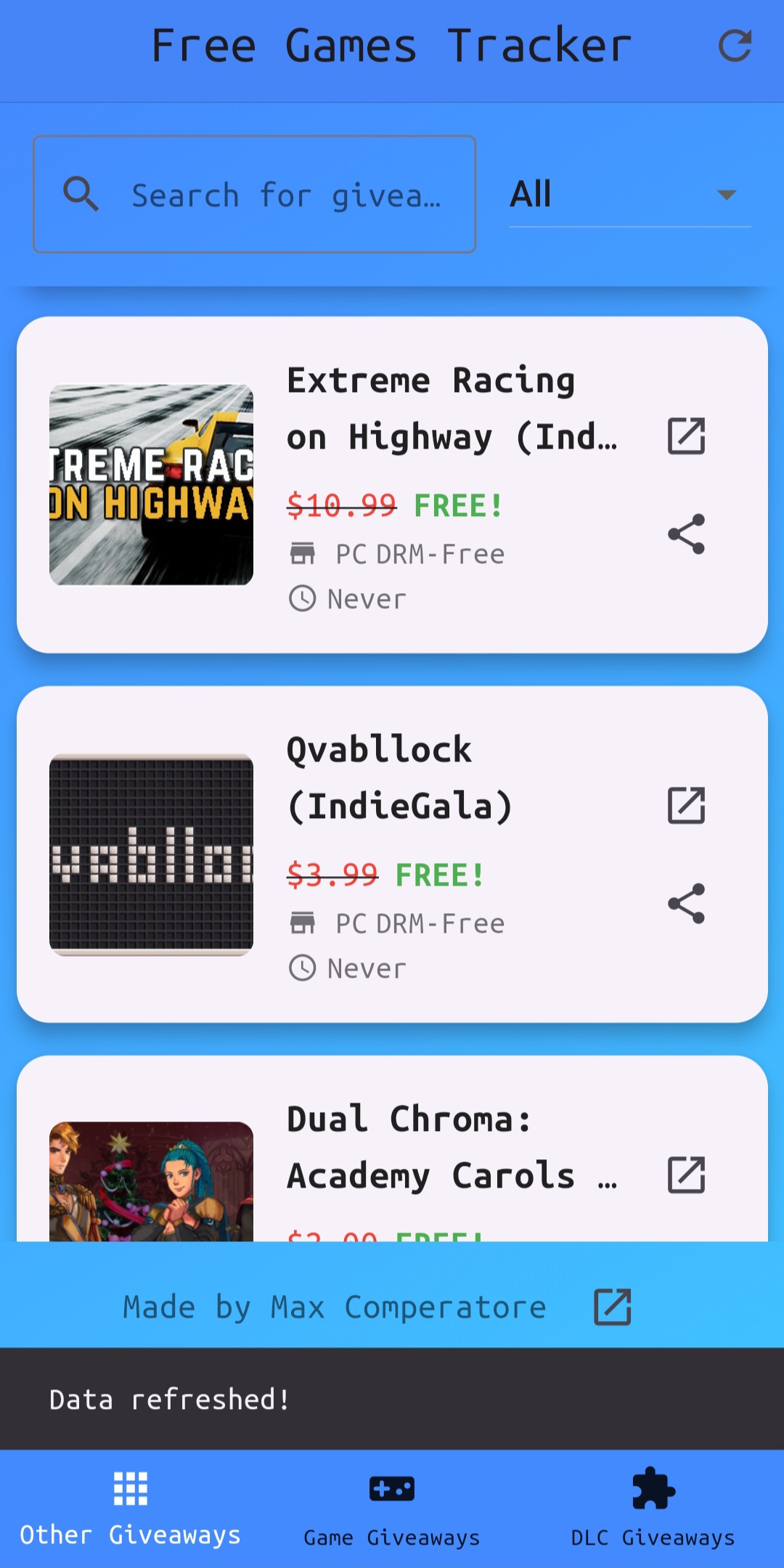
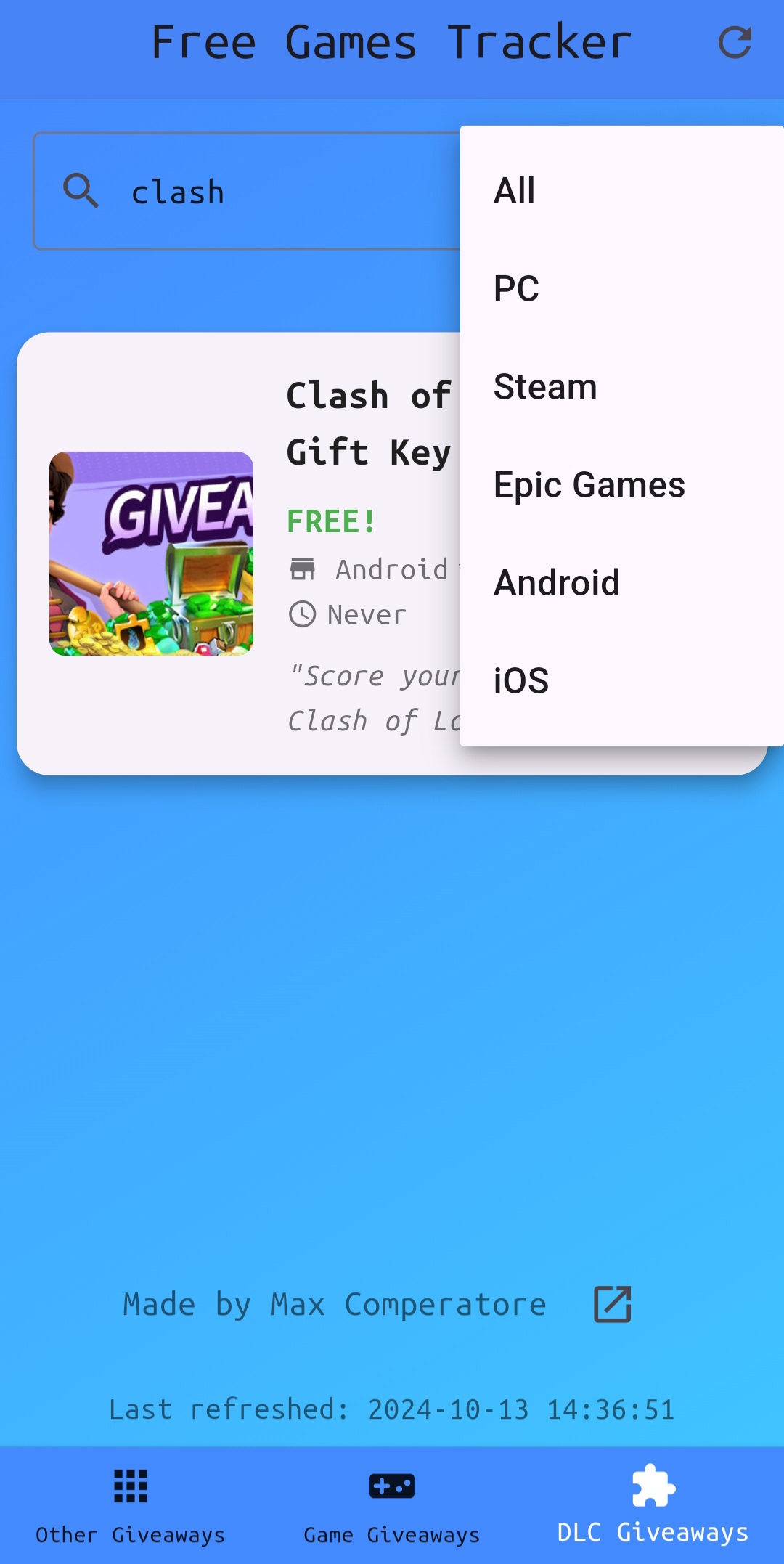
Free Games Tracker is a streamlined multiplatform app designed to help gamers easily discover the latest free game offers and downloadable content (DLC). Whether you're searching for time-limited game giveaways or exclusive promotions, this app simplifies the process, bringing everything you need into one convenient place.
Key Features:
- Instant Access: Quickly browse all current game giveaways with just one click—no need to hop between multiple websites or Discord bots. Born from a personal frustration in finding free games, this app is built to make the search easier for everyone.
- Automatic Updates: Powered by a custom backend API wrapping GamerPower's API, Free Games Tracker automatically pulls in the latest offers. No manual updates needed—everything is always current.
- Comprehensive Overview: Stay updated on game giveaways and DLC promotions without clutter. The app focuses solely on limited-time free games (e.g., Epic Games Store) and exclusive DLC offers—no free-to-play (F2P) titles included.
Open Source Contributions:
This app is open source, and contributions are welcome! Whether you're looking to contribute, learn, or improve your skills, feel free to explore both the frontend and backend code:
- Frontend (Flutter): GitHub - freegamesappflutter
- Backend (Python): GitHub - freegamesapi
Special thanks to Colin Schmale, creator of War Report for Clash of Clans, for his invaluable guidance and expertise in Flutter development, which played a pivotal role in shaping this app.
Thanks you all for the support, means a lot.
what happens to your crypto if you pass away? check out https://www.deadhandprotocol.com/
Download
Install instructions
How to Download and Install the FreeGamesTracker APK
Step 1: Enable Installation from Unknown Sources
- Open Settings on your Android device.
- Scroll down and tap on Security (or Privacy on some devices).
- Find and enable the option Install Unknown Apps or Unknown Sources.
- On newer versions of Android, you’ll need to select the specific browser or file manager you’re using (e.g., Chrome or File Manager) and toggle Allow from this source.
Step 2: Download the APK
- Open your preferred browser on your Android device.
- Navigate to the download page of FreeGamesTracker APK (insert link if available).
- Tap on the Download button and wait for the APK file to be downloaded.
Step 3: Install the APK
- Once the APK is downloaded, you will get a notification. Tap on the notification or go to your Downloads folder using a file manager app.
- Find the FreeGamesTracker APK file and tap it.
- You may be prompted to confirm the installation. Tap Install.
- Wait for the installation to complete.
Step 4: Open the FreeGamesTracker App
- Once installed, tap Open or go to your app drawer and find FreeGamesTracker.
- Launch the app and start using it to track free games!
Comments
Log in with itch.io to leave a comment.
you should to add the indiexpo's games. they are all free (and there is a feed rss to use)
Hey Kevin, that’s interesting — hadn’t come across it before. Could you send me the link to the RSS feed? Thanks!
https://www.indiexpo.net/feed/all.xml
this is the page with the feed rss https://www.indiexpo.net/feed?locale=en
Thanks, Kev! I’ve added it to my backlog. I’ll reach out once it’s ready.
you are welcome. good luck
Instead of using the app, could I just use the web version in my browser?
Yes of course Techminator, check it out here https://gamingdeals.netlify.app/
Doesn’t work no more.
Sorry Bob. It's hosted on a free render web service. It may spin down on the last week of the month due to exceeding the free available hours. It's now up again. Sorry for the inconveniences this outage may have caused.